Evaluations - Overview
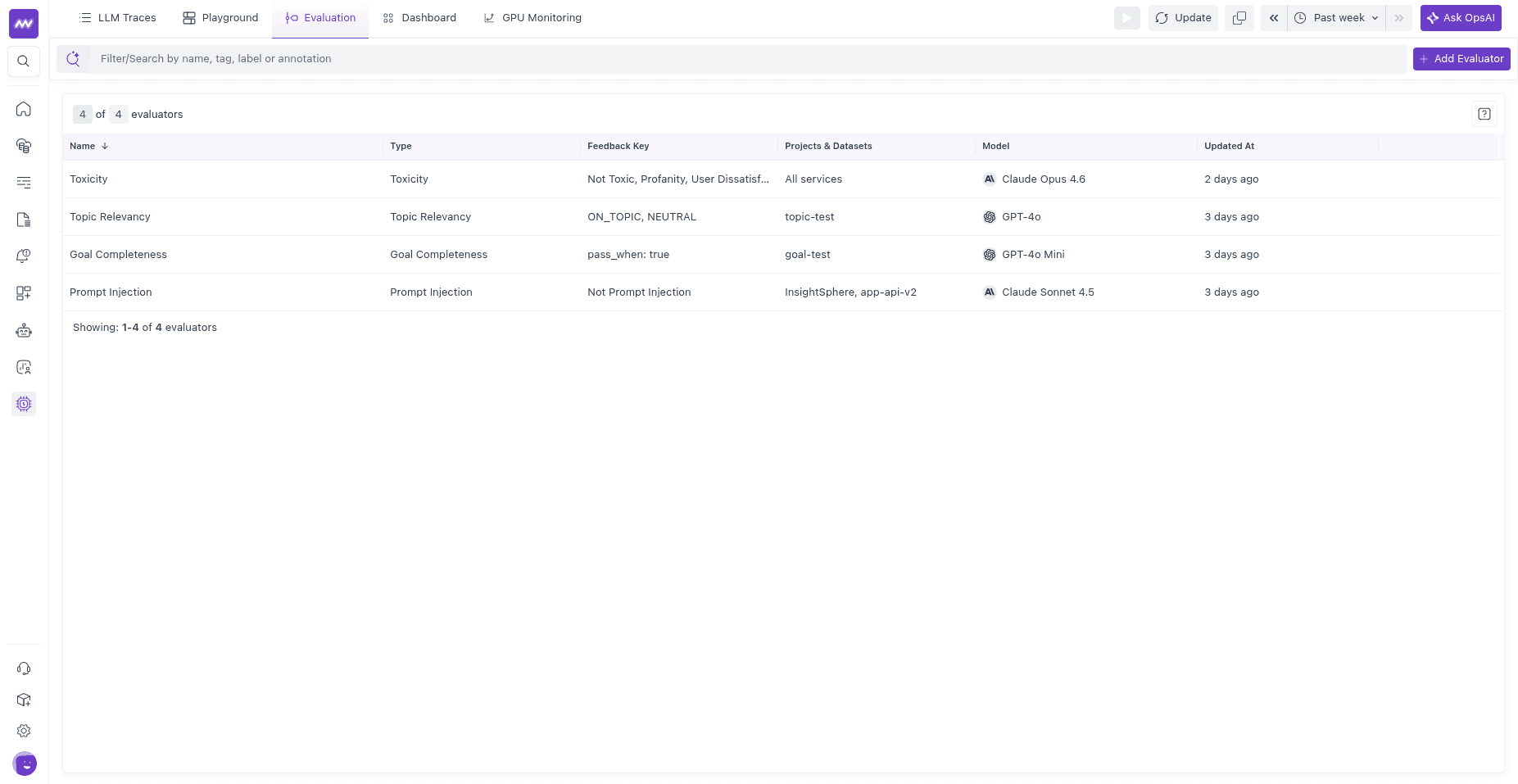
Evaluations measure the quality of your LLM and agent outputs — accuracy, safety, helpfulness, goal completion, and anything else you care about. Each evaluation produces a score that is attached to a trace span, so you can see why a response was good or bad, track quality on a dashboard, and alert when it regresses.
Why you need evaluations#
Regular software fails loudly. A test asserts 2 + 2 == 4, and a wrong answer throws. LLM output has no equivalent. The same prompt returns different words every time, all of them syntactically valid, and "wrong" means subtly off-topic, confidently hallucinated, or quietly toxic, not crashed. Latency and token-count dashboards won't catch any of that. They tell you the call was fast and cheap, not that the answer was useless.
Evaluations are how you put a measurable signal on output quality. You define the question once ("is this toxic?", "did the agent finish the task?"), score every response against it, and now quality is a number you can track, the same way you already track p95 latency. That lets you catch regressions after a prompt or model change, compare two prompts on the same traffic, and get paged when your hallucination rate climbs, instead of finding out from a customer.
What a score looks like#
Every evaluation, however it was produced, writes the same record to the span:
- a name (for example,
toxicityorgoal_completeness), - a value — one of boolean (pass/fail), score (a number), or categorical (a label),
- an optional pass/fail verdict and the judge’s reasoning.
The reasoning is what makes a result actionable. A fail verdict tells you something broke; the reasoning tells you what, for example that the model invented a refund policy that doesn't exist. That explanation is recorded on the span next to the input and output that produced it, so you debug the bad answer in one place.
What you can measure#
Evaluations fall into two categories, and most teams use both.
LLM-as-a-judge uses a second model to grade the first. Use it for tasks that require judgment, such as toxicity detection, prompt-injection detection, sentiment analysis, verifying whether an answer is on-topic, determining whether an agent selected the correct tool, or assessing whether it resolved the user's goal. You write a rubric in plain language (or start from a built-in template) and the judge applies it to each span.
Deterministic checks are plain code, no model involved: regex matches, JSON validity, length bounds, exact or fuzzy comparison against an expected answer. Use them whenever correctness can be determined objectively. They're faster, free, and don't drift.
Two ways to run an evaluation#
You can run either type of evaluation in one of two modes. Both modes write results to the span using the same format, so downstream systems do not need to know how the evaluation was produced.
| Server-side (UI) | Client-side (SDK) | |
|---|---|---|
| Where it runs | In Middleware, on your live trace spans | In your application code |
| Setup | No code — create an evaluator in the UI | Add the middleware-llmobs SDK to your app |
| What it can score | LLM-as-a-judge (built-in templates or your own prompt) | Any logic you write: a value you computed, your own judge, or a deterministic check |
| Best for | Always-on quality & safety monitoring of production traffic | Custom logic, RAG-aware checks, offline/CI evaluation, deterministic checks |
For setup, see Server-side (UI) and Client-side (SDK).
Where results appear#
Evaluation results are attached to the span they evaluate. Open any trace in LLM Traces, select a span, and use the Evaluation tab to inspect the verdict, value, and reasoning. Evaluation scores are also exported as metrics (gen_ai.evaluations.*), allowing you to track pass rates and create alerts when quality drops.
Need help? Get in touch with us via our Contact Us or join our Slack community.