November 19, 2025
Release 2.6.2 shipped on November 19, 2025.
Improvements#
OpsAI#
- Added HMAC-based security protocol to improve request authentication and overall OpsAI security.
- Minor UI stability and consistency fixes across OpsAI interfaces.
AWS Integration#
- Fixed metric ingestion limits and added a batching mechanism to handle larger metric volumes efficiently.
- ECS integration fix: Resolved an issue where empty task lists caused unexpected errors.
UI Enhancements#
- Fixed tooltip visibility issues within Deployments, ReplicaSets, and DaemonSets views to ensure all data points are accessible.
- Improved cloud integration pages (AWS, Azure, GCP) by removing unnecessary nested scrolls—toggles are now always visible.
- Updated usage charts under Settings → Usage to a new charting library for improved performance and rendering accuracy.
Other improvements#
- Status Page: Optimized APIs to improve performance when fetching service history.
- Updated and standardized validation messages across Login, Signup, and Password Reset flows for clearer user guidance.
Synthetic monitoring#
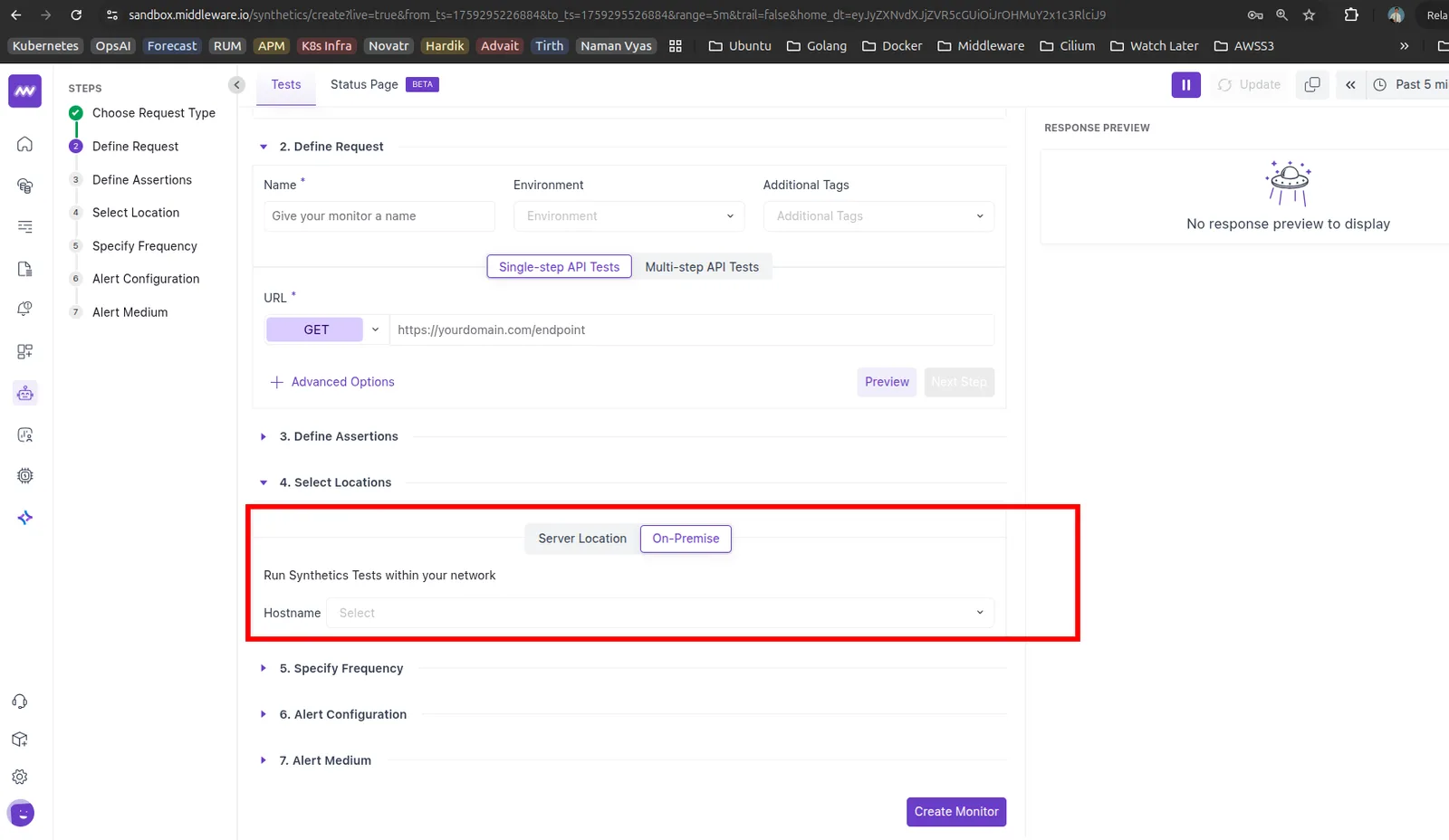
- Added support for selecting a Kubernetes cluster as a location for on-premise synthetic checks.
MongoDB support for Kubernetes#
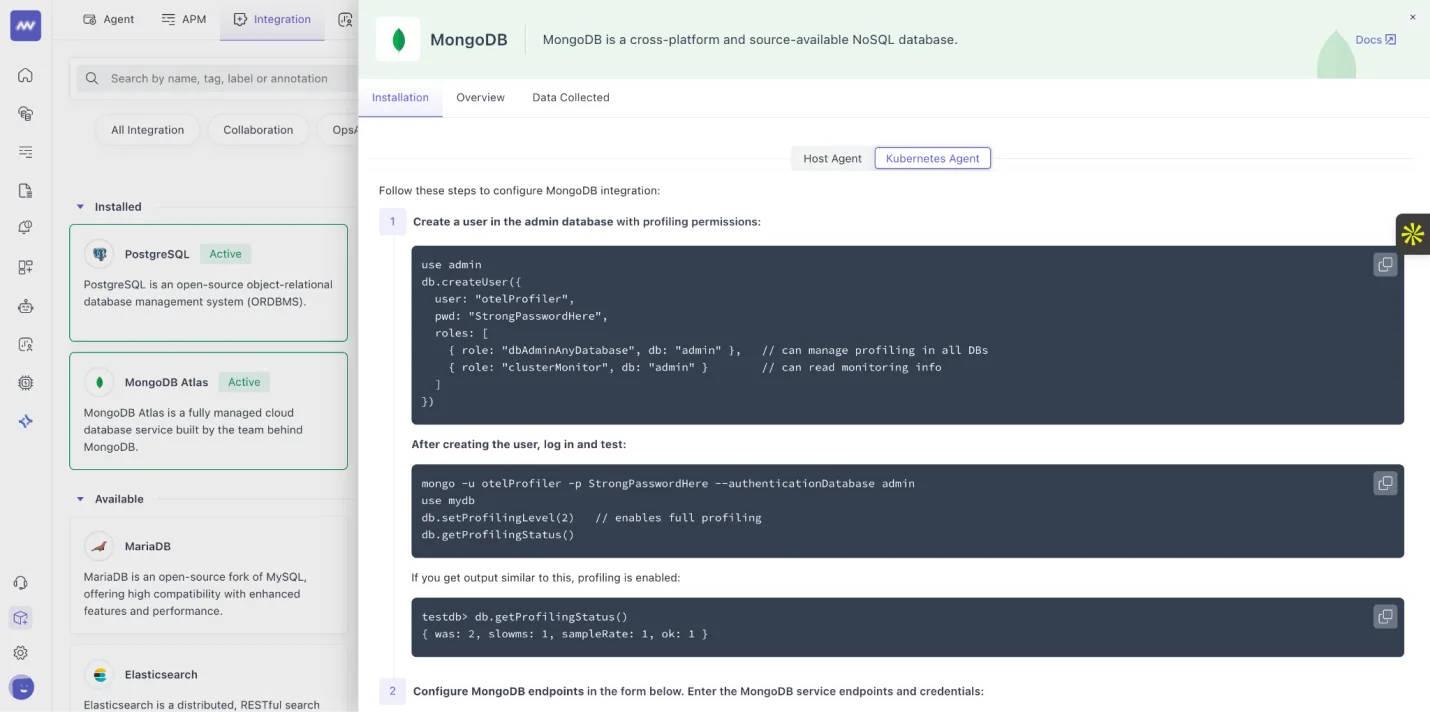
- Added support for kubernetes for mongodb integration
Bug fixes#
- Fixed date-range filter issues to view data under Settings → Usage.
- Improved validation messages when creating a new pipeline (Settings → Pipeline → Add New Pipeline).
- Agent Pipeline: Fixed an issue where the host was not auto-assigned for the default config profile.
- APM: Resolved logs not appearing inside the log tab of the Span Detail side panel (APM → Trace → select a trace → side panel → Logs tab).
- Fixed non-functional unsubscribe link inside alert emails.
- Resolved missing data issues for (Infrastructure Monitoring → Containers → Dashboards)
- Most RAM-intensive container
- Most CPU-intensive container
- Fixed time-range mismatch issues in Cluster Dashboard (Infrastructure → Cluster → Dashboard).
- Fixed filter/time-range not being applied when navigating within Infrastructure Monitoring.
- Resolved issue where new logs were not loading after scrolling in the Logs UI.
Documentation#
- Added API documentation for Agent module APIs.
Need assistance or want to learn more about Middleware? Get in touch with us via our Contact Us or join our Slack channel.
What did you think of this content?